Introduction
The Tiki Wiki CMS Groupware project (aka TikiWiki or Tiki) is an open source initiative that releases and maintains a powerful OpenSource Content Management System (CMS) and Groupware called Tiki . It relies on a large community of developers and contributors from all over the world. Tiki can be used to create all sorts of Web applications, Sites, Portals, Intranets and Extranets. Tiki also works great as a Web-based collaboration tool. Tiki is a multi-purpose package with a lot of native options and sections that you can enable/disable as you need them. It is designed to be international, clean and extensible.
Tiki incorporates all the features present in several excellent wiki systems available today plus a lot of new features and options, allowing your wiki application to be whatever you want it to be--from a simple wiki to a complex site for a whole user community with many intermediate steps. You can use Tiki as a forums site, a chatroom, for poll taking, and much more! The possibilities are endless.
To understand Tiki, compare it to a high-end single-lens reflex (SLR) camera with lots of expensive lenses. In a well-thought-out SLR camera system, each of the lenses gives you the ability to look at the world in a unique way. You can choose just the right lens for the job. Similarly, Tiki gives you lots of different ways to look at the data with which a group of people are concerned. Use Articles (and make articles your Tiki home page) so that you and your users can post important, fast-breaking news that everyone should read. Use Wiki pages to enable you and your users to upload reams of content without having to learn HTML or hassle with proprietary file formats. Use Forums to launch topic-oriented discussions. Use Blogs to give each user the ability to create chronologically oriented journals. Make vital resources available with File and Image Galleries.
Tiki's major features include: article, forum, newsletter, blog, file/image gallery, wiki, drawing, tracker, directory, poll/survey, quiz, FAQ, chat, banner, webmail, calendar, category, ACL, and more. (see full list in Features )
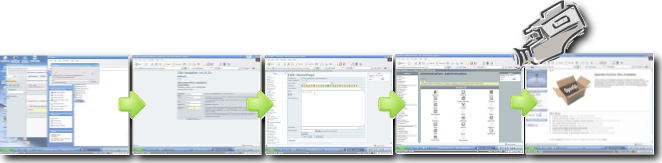
You can have a quick view of a Tiki installation and initial configuration at this basic introduction and overview 24 minute video:
- Open Source & Free Software
http://www.fsf.org
http://opensource.org
http://en.wikipedia.org/wiki/Open_Source - CMS
http://en.wikipedia.org/wiki/Content_management_system - Groupware
http://en.wikipedia.org/wiki/Collaborative_software
;)